Free SOLIDWORKS® Add-in
with 95+ CAD Automation ToolsReduce manual work, standardize workflows, and move from design to manufacturing faster.
Available on: Windows 10/11 (64-bit)
Speed Up SOLIDWORKS Design with Automated Workflows
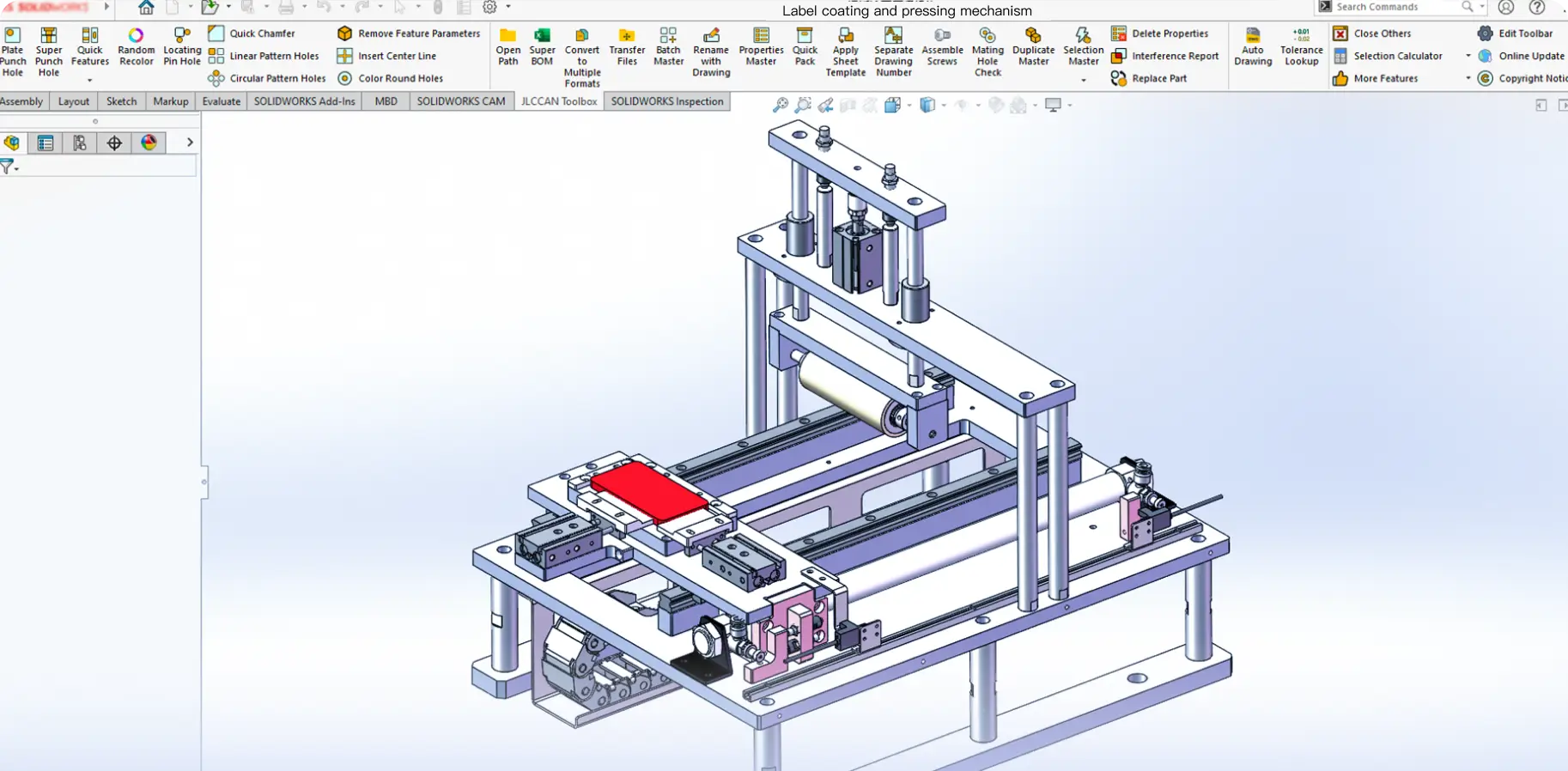
JLCCAN is a free SOLIDWORKS add-in that automates drawings, BOMs, and repetitive engineering tasks, and connects your design directly to manufacturing services.
-
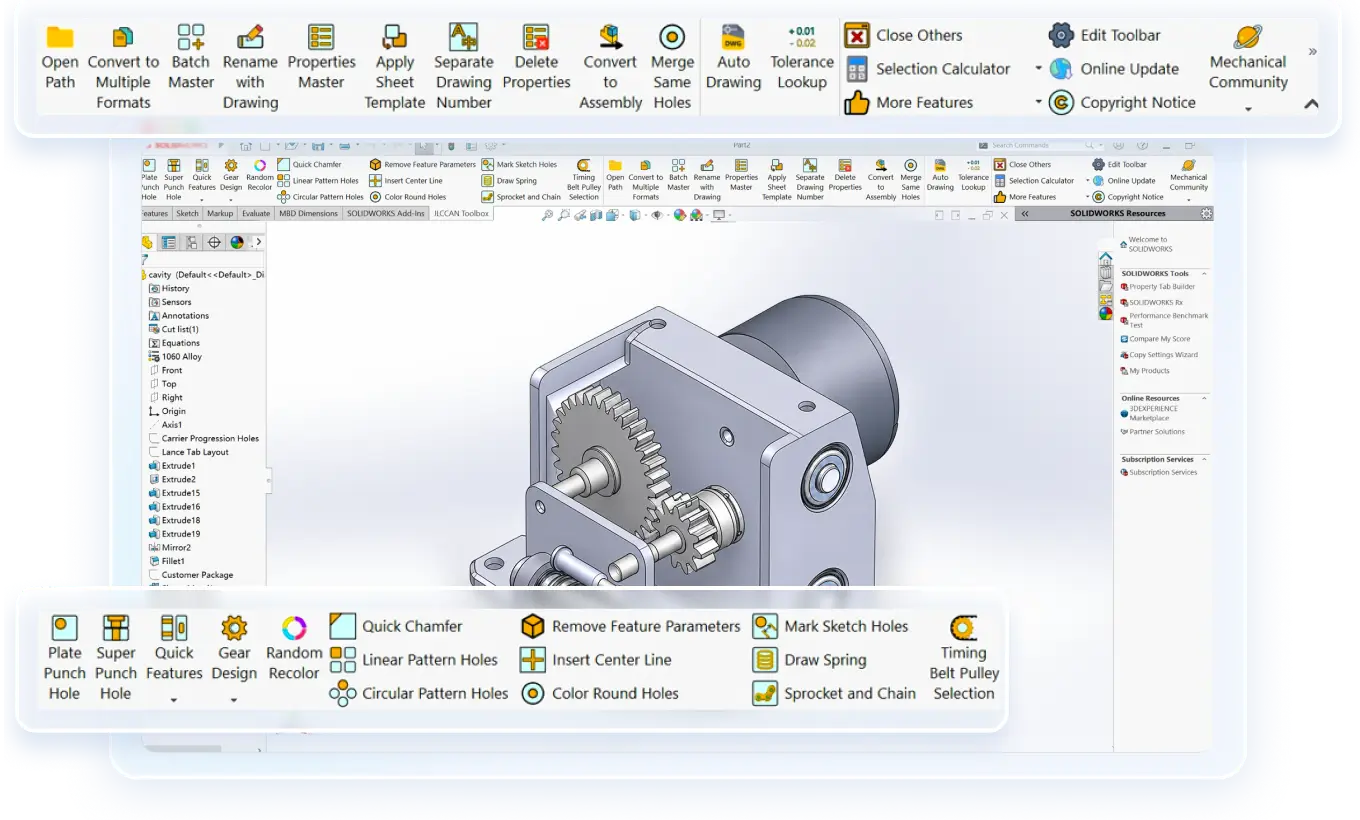
Automates drawings, BOMs, and batch operations across parts and assemblies inside SOLIDWORKS.
-
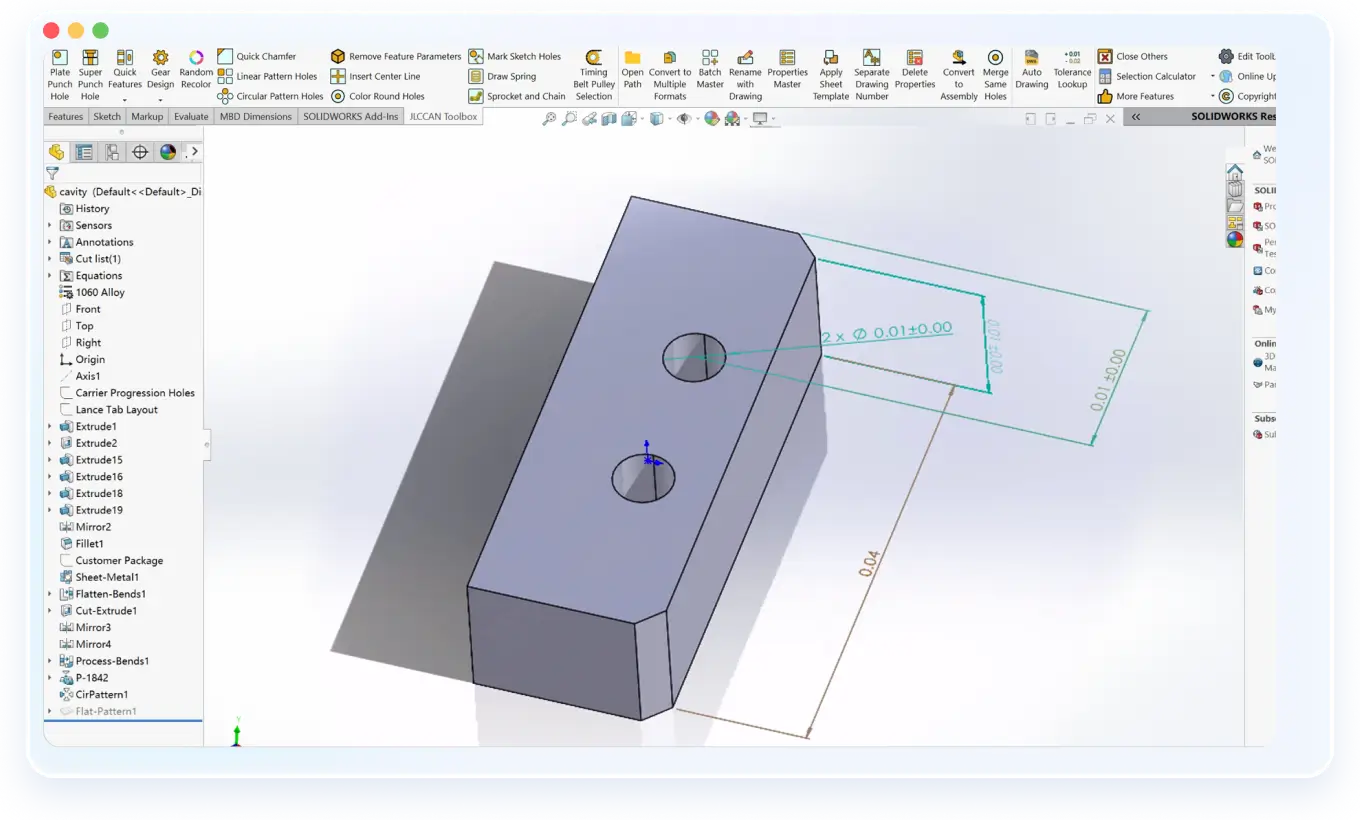
Generate standard features, automatically dimension drawings, and fix repetitive modeling tasks in seconds.
-
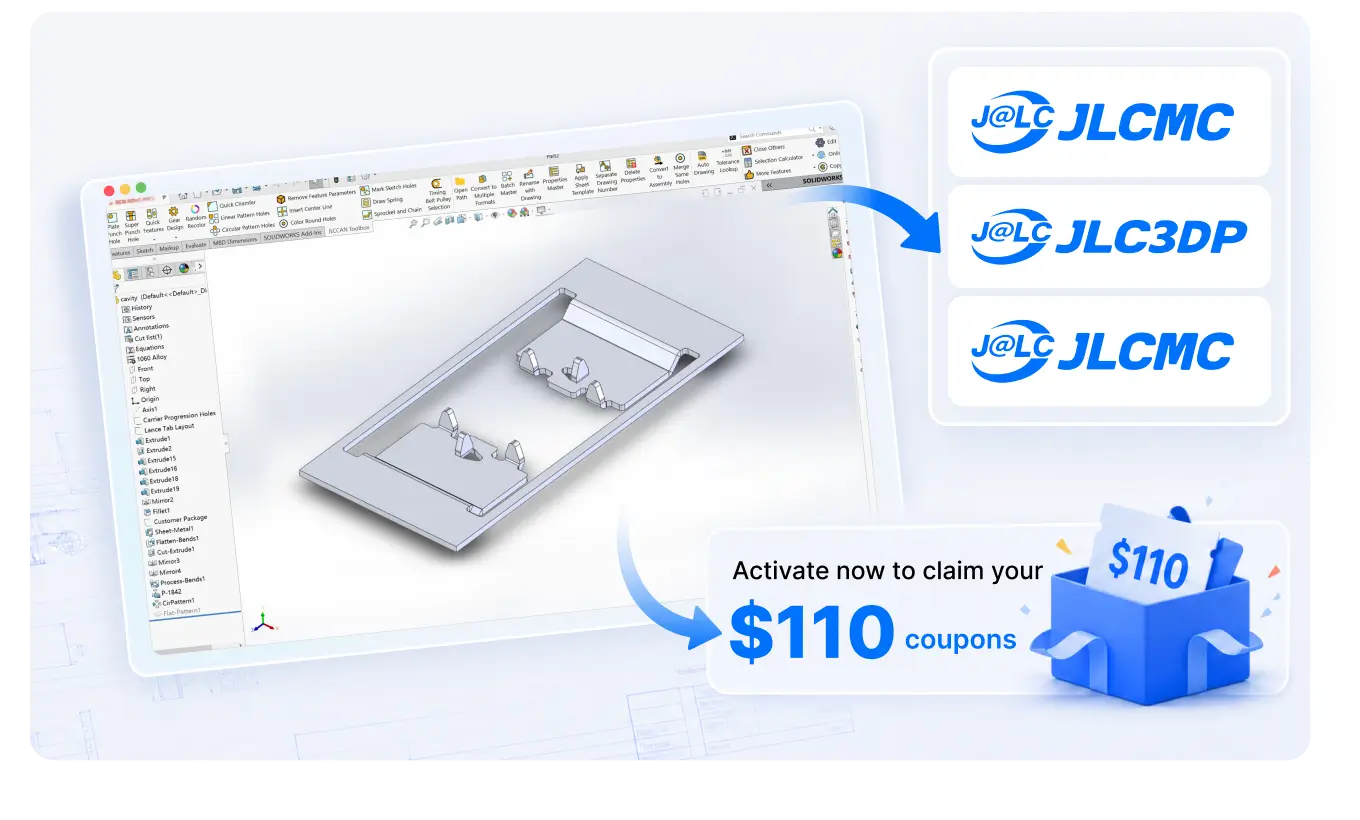
Design faster with JLCCAN, then use JLCMC, JLC3DP, and JLCCNC for prototyping and production. Plus, activate now to claim your $110 coupon.
-
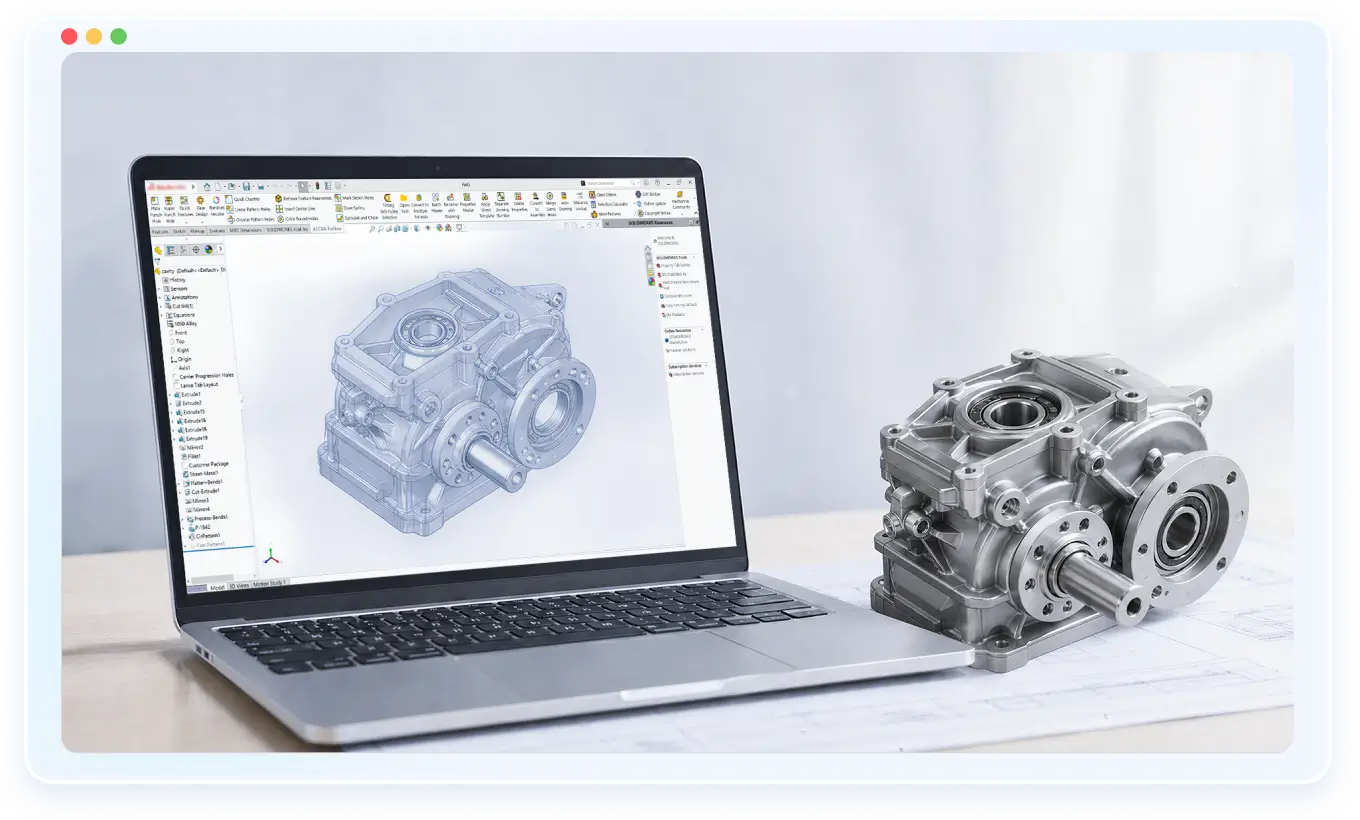
Works with SOLIDWORKS 2016+ (64-bit), fully integrated into native workflow.
Core Tools for SOLIDWORKS Productivity

Auto Hole Generation
Five hole types, counterbore, countersink, tapped, drilled, and threaded, are placed in one click. Up to 10× faster than the native Hole Wizard workflow.

Hole Inspection
Detect missing, misaligned, or inconsistent holes across assemblies instantly.

Auto Fastener Assembly
Detects mating geometry and assembles common fasteners, screws, washers, and nuts, with the correct specification automatically applied.
Drawing Automation & Auto-Dimensioning
Generates three-view drawings instantly. Applies linear dimensions and dimension chains automatically — especially powerful for plate components.

Advanced BOM
Supports flat BOMs and multi-level hierarchical BOMs. Quickly edit BOM data in bulk and export BOM to Excel with one click.

Quick Features
Snap-ring grooves, retraction grooves, edge fillets, holes on cylindrical faces, features that normally take five sketches, generated instantly.

Batch Manager
Rename files in bulk with smart rules. Convert to PDF, DXF. Edit properties, separate drawing numbers, swap title blocks, merge CAD drawings, all in batch.

Duplicate Detector
Finds parts with identical geometry but different filenames, and replaces every instance with one click. Cleans up years of file drift in minutes.

Smart Design Library
Save standard parts to your design library. When inserted into assemblies, library links are automatically detached to protect the original files.
Why Engineers Choose JLCCAN Instead of Multiple Add-ins
JLCCAN brings essential automation tools into one SOLIDWORKS add-in, making everyday design tasks faster and easier.
| Capability | SOLIDWORKS Software | Separate Add-ins | JLCCAN Recommended |
|---|---|---|---|
| Auto Dimensioning | Manual drawing setup required | Available via paid plugins | One-click automated across drawings |
| BOM Export | Basic manual BOM generation | Requires external tools | Auto-sync + Excel export (flat & hierarchical) |
| Fastener Assembly | Manual placement | Available via paid plugins | Auto recognition & assembly in one click |
| Hole Inspection | Basic hole inspection | Limited / paid tools | Full assembly scan & validation |
| Batch Processing | Supported, but limited | Separate automation tools required | Unified batch rename / convert / edit |
| Workflow Integration | Standalone tools only | Fragmented across plugins | Fully integrated inside SOLIDWORKS |
| Cost | Included with SW license | $100–$1000+ per tool | Free all-in-one toolkit |
From CAD File to Finished Part
Complete your designs efficiently in SOLIDWORKS, then rely on JLC's comprehensive manufacturing services to turn your digital models into physical parts.
-
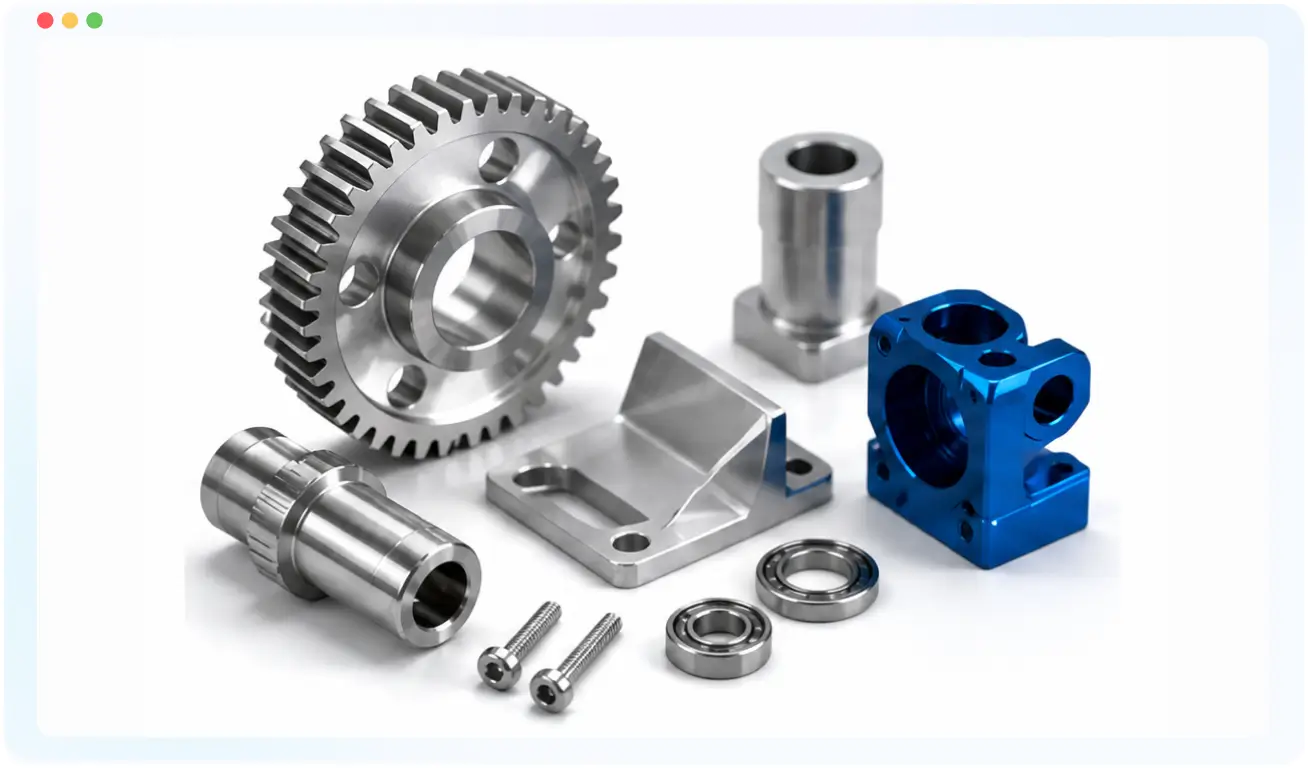
After finalizing your assembly and BOM in SOLIDWORKS, visit JLCMC to source all your required industrial standard parts and hardware. Explore a massive catalog with highly competitive pricing to get your BOM purchase-ready.
-
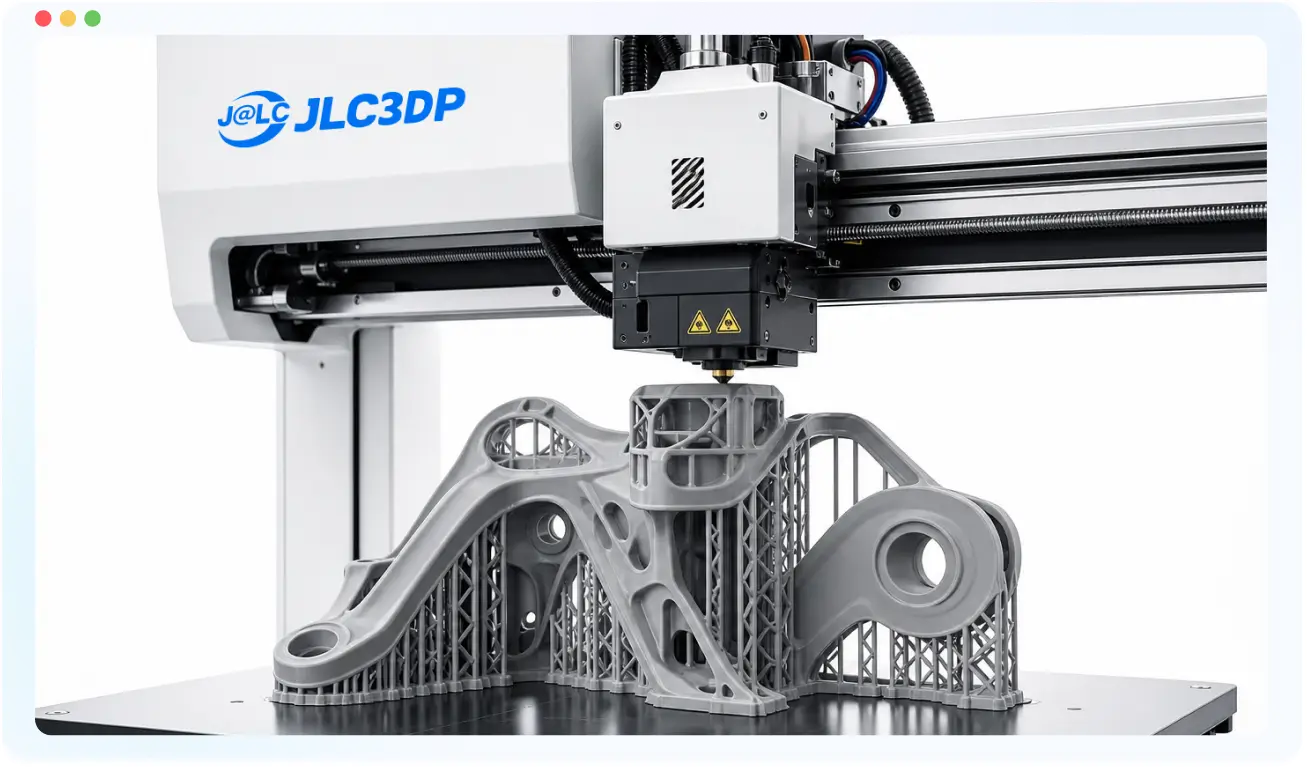
Once your model is ready, export your files and upload them to JLC3DP for custom 3D printing. Get instant online pricing and DFM feedback for prototypes and short-run production with support for SLA, FDM, MJF, and more.
-
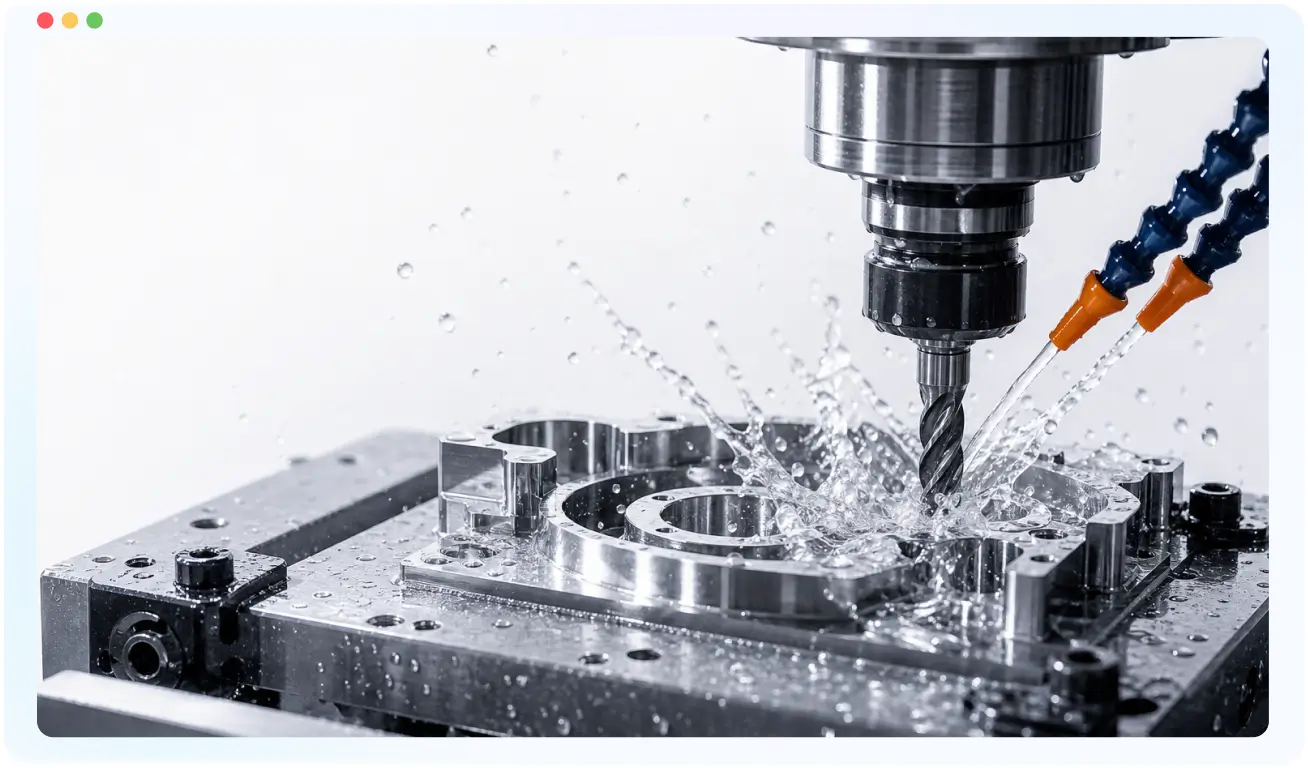
Upload your exported CAD drawings to JLCCNC for fast and affordable CNC machining or sheet-metal fabrication. Instant quotes, manufacturing feedback, and direct ordering, no email chains, no spreadsheets, no requote delays.
System Requirements for Our SOLIDWORKS Plug-in
Designed to run natively inside SOLIDWORKS with minimal system overhead.
Software Compatibility
- SOLIDWORKS 2016+ (64-bit)
- Fully integrated as a native SOLIDWORKS add-in
Operating System
- Windows 10 (64-bit)
- Windows 11 (64-bit)
Performance & Architecture
- No cloud dependency for core engineering functions
- Lightweight local execution inside the SOLIDWORKS environment
- No modification to the SOLIDWORKS core installation
Access & Usage
- Free Forever
- Activate once. Use it forever
Installation does not modify SOLIDWORKS core files and can be removed at any time.
Trusted Across Engineering-Driven Industries
Used by engineers and design teams working on complex mechanical systems and production-ready assemblies.

Industrial Machinery
- Heavy mechanical systems and production equipment
- High reliance on drawings, BOM accuracy, and assembly automation

Robotics
- Multi-component assemblies with frequent design iterations
- High need for fast design-to-prototype cycles
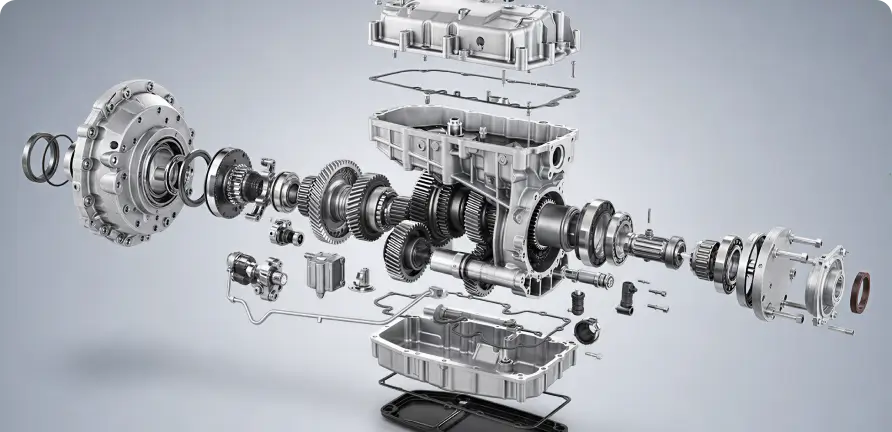
Consumer Electronics
- Compact mechanical structures with high part density
- Requires fast drawing updates and BOM synchronization
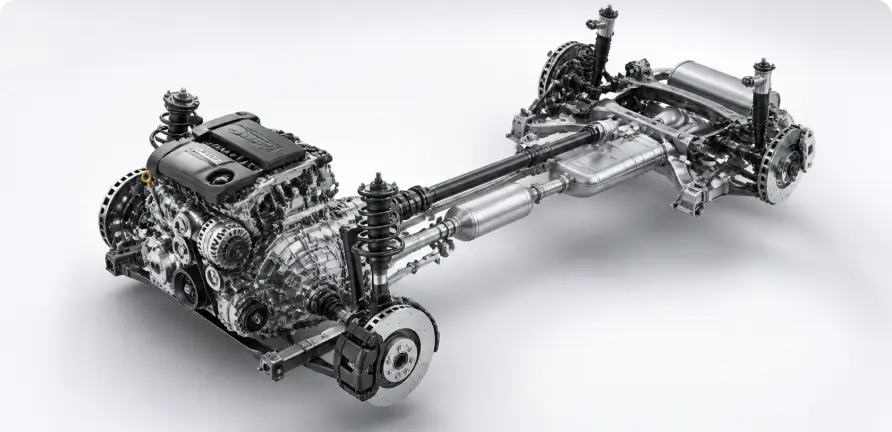
Automotive
- Large-scale assemblies with strict design documentation requirements
- Batch processing and standard part reuse are critical
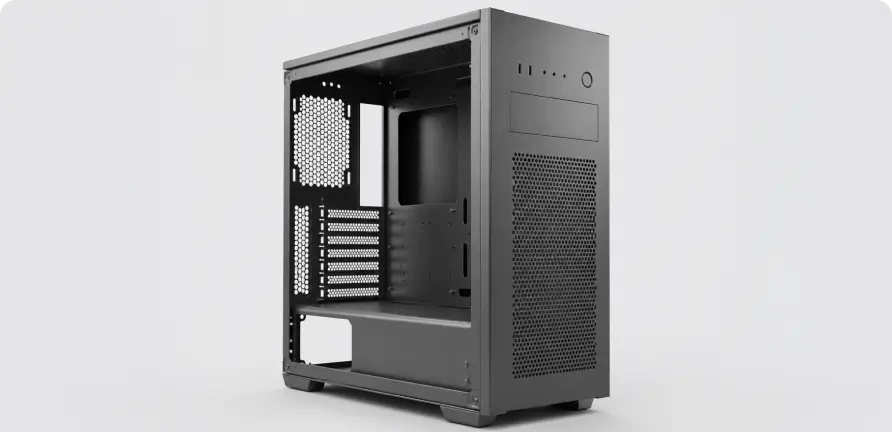
Sheet Metal Fabrication
- High volume of repetitive geometry and feature patterns
- Strong dependency on auto-dimensioning and batch drawing tools
Frequently Asked Questions about JLCCAN
How do I download and install JLCCAN? Where can I download it?
Download the latest version of JLCCAN from the official website: https://jlccan.com/
Why does registration fail?
What should I do if the plugin does not appear or cannot be enabled after installation?
Does JLCCAN support SOLIDWORKS drawing automation? How can I create a drawing for a single part?
How can I batch rename files in SOLIDWORKS? Will drawing names be updated automatically?
Can I filter BOM data by multiple conditions?
Free Tutorials, Guides & Engineering Insights