Model, Assemble, Document,
and Deliver Faster Than Ever
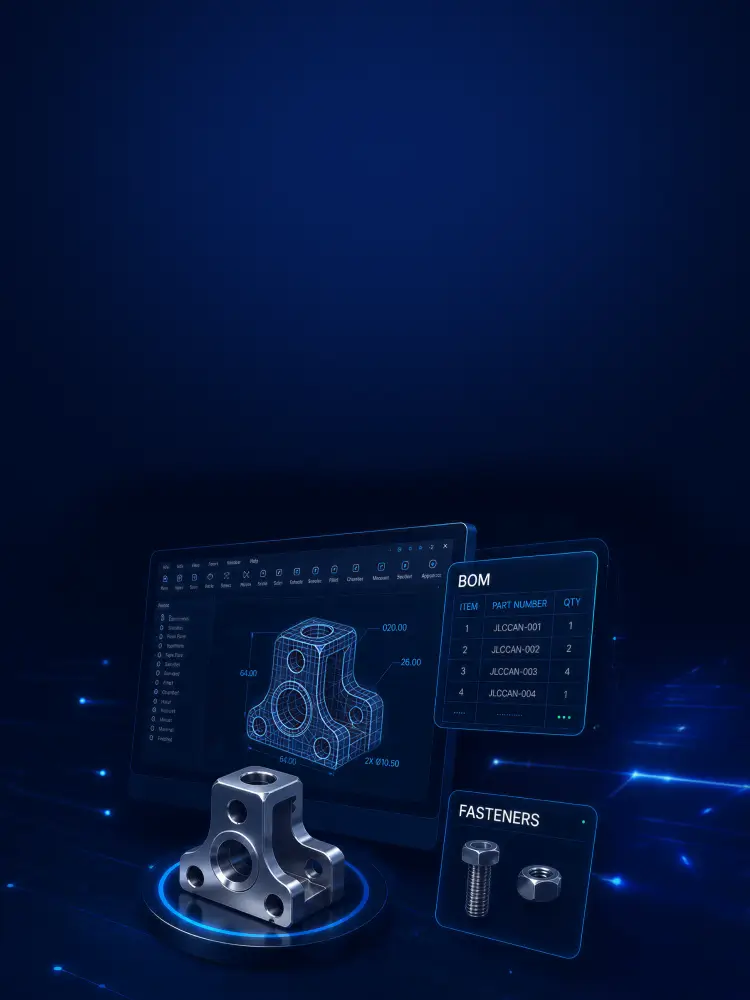
Automate drawings, BOMs, hole creation, fastener assembly, and batch file operations directly inside SOLIDWORKS. JLCCAN brings 9 core automation features into a single engineering add-in for faster mechanical design workflows.
Free Download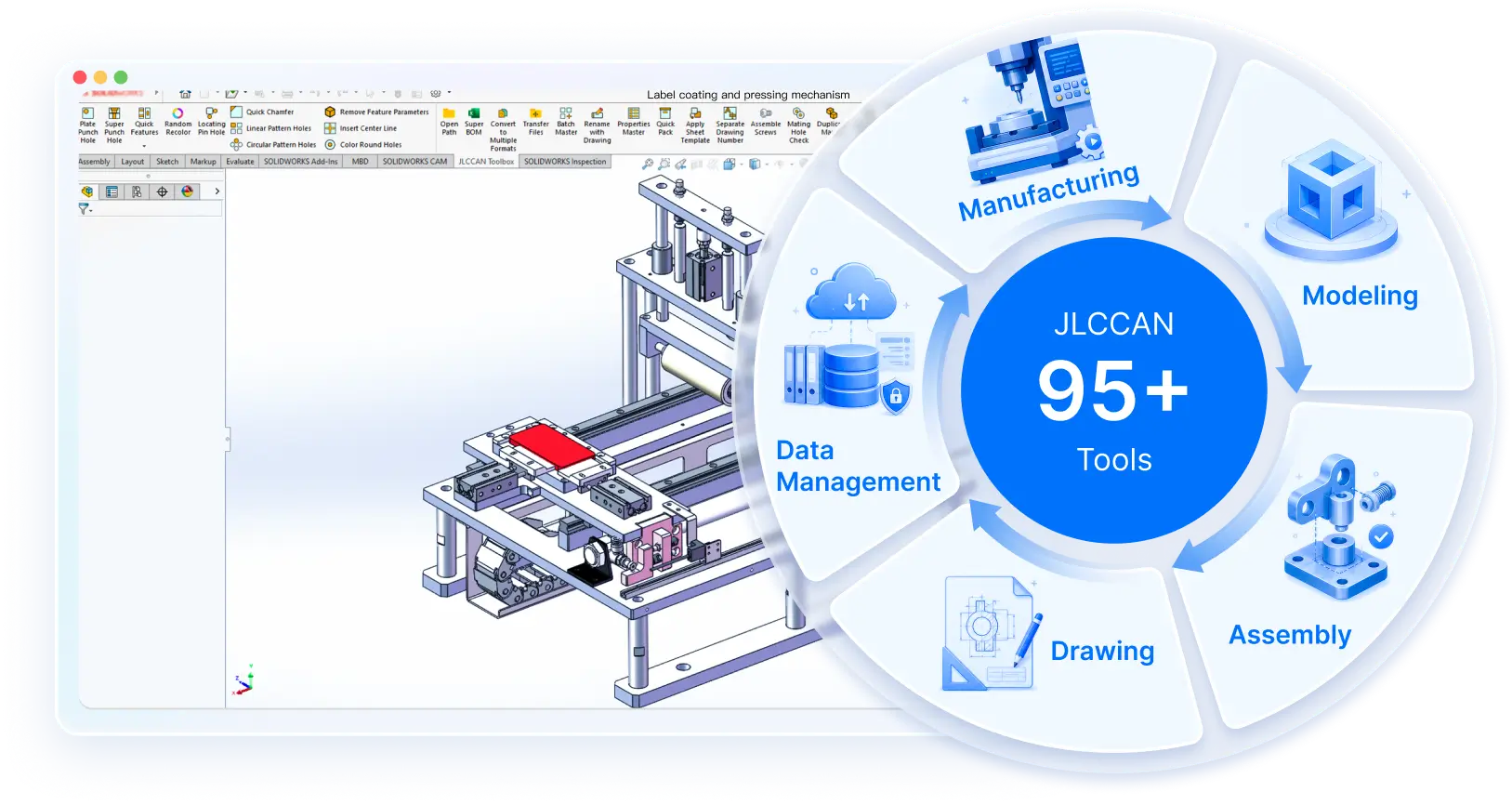
One Add-in for Your Entire SOLIDWORKS Workflow
JLCCAN brings 95+ productivity tools together in one add-in, covering essential SOLIDWORKS tasks from design creation and assembly to drawings, BOM management, and more.
9 Featured Tools That Save Engineers the Most Time
These are the most-used tools inside JLCCAN, from hole creation to batch delivery, each one replaces a repetitive manual task with a single click.
01 Auto Hole Generation
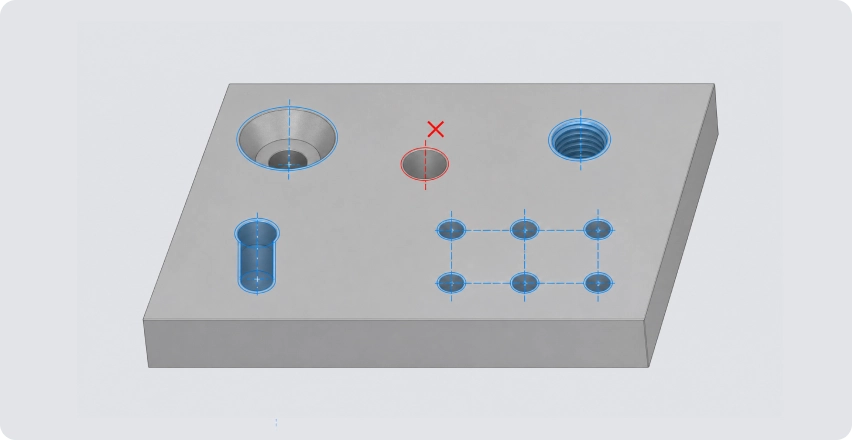
Quickly create counterbore holes, tapped holes, locating pin holes, and pattern holes in SOLIDWORKS, with automatic hole centerlines and multi-face hole placement.
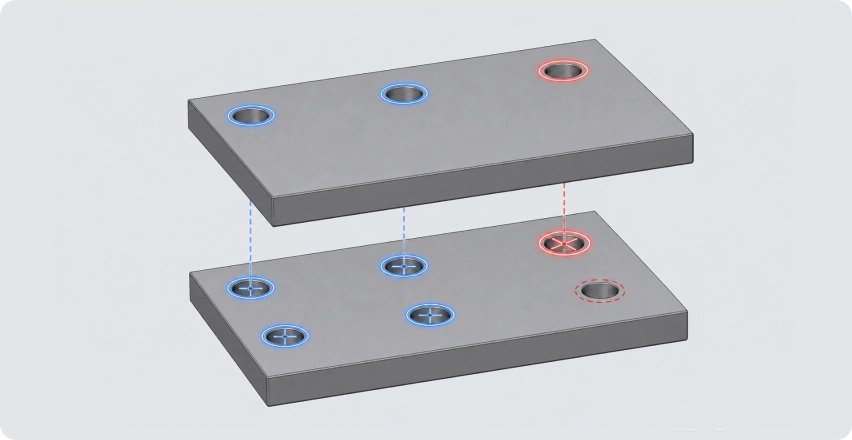
02 Mating Hole Check
Validate hole alignment before assembly. Automatically checks hole alignment, spec matching, and assembly interference between mating parts.
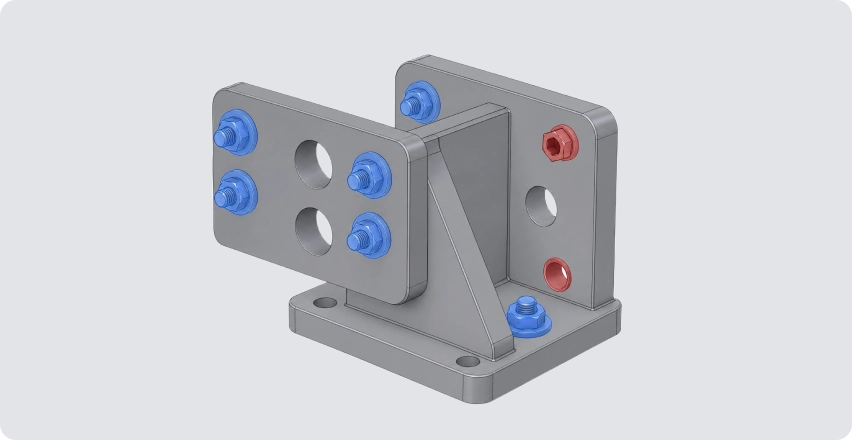
03 Auto Assemble Screws
Batch-insert fasteners and establish mates in assemblies. Automatically identifies hole features and assembles screws, washers, and nuts.
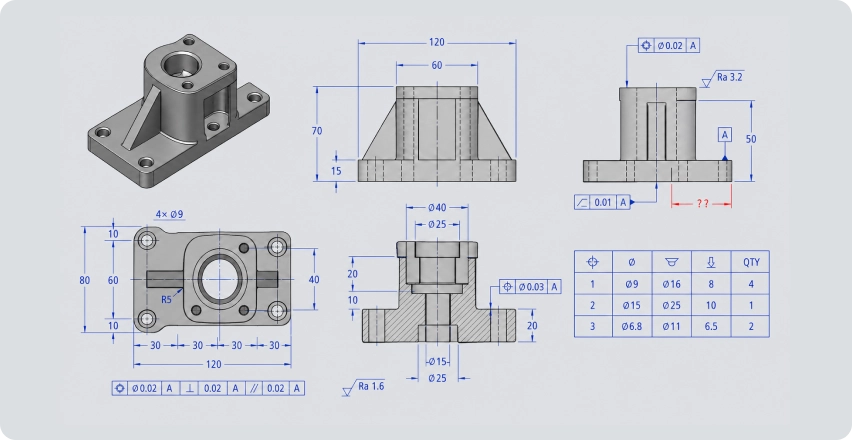
04 Auto Drawing & Dimensioning
Automatically generate drawings from 3D models, and batch-apply linear dimensions, dimension chains, hole tables, GD&T, and surface finish annotations.
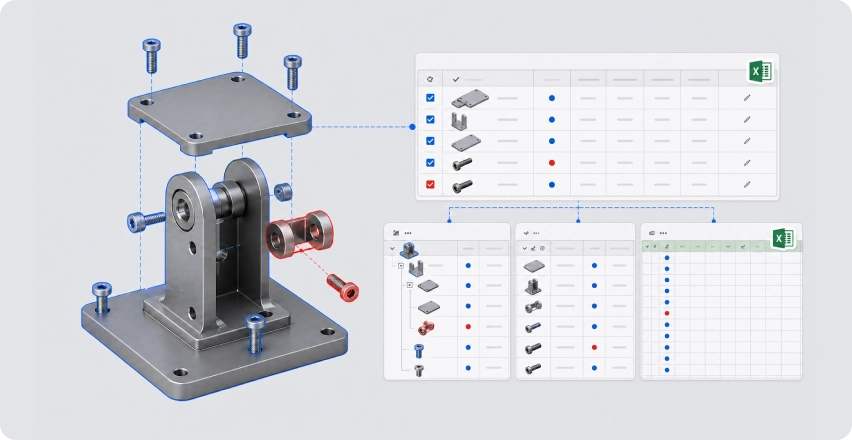
05 Advanced BOM
Centralized management of assembly BOM structures, part properties, and part number rules. Supports flat BOM, hierarchical BOM, bulk editing, and Excel export.
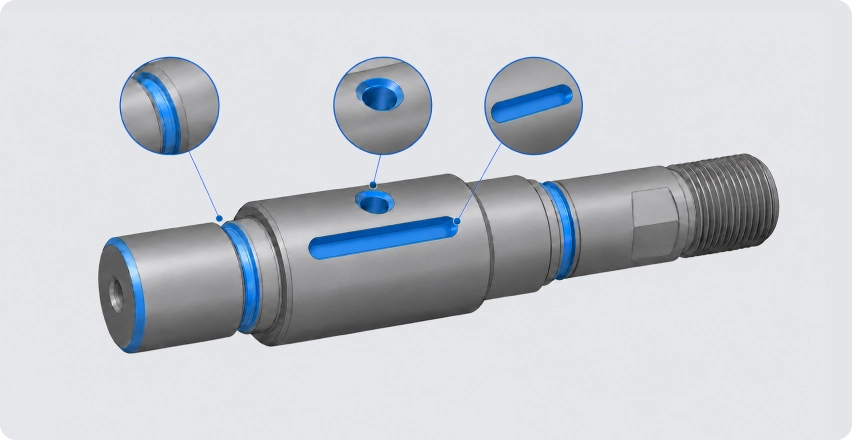
06 Quick Features
Condense high-frequency mechanical feature workflows into single-click operations. Supports chamfers, relief grooves, snap-ring grooves, holes on cylindrical faces, and third-party hole feature conversion.
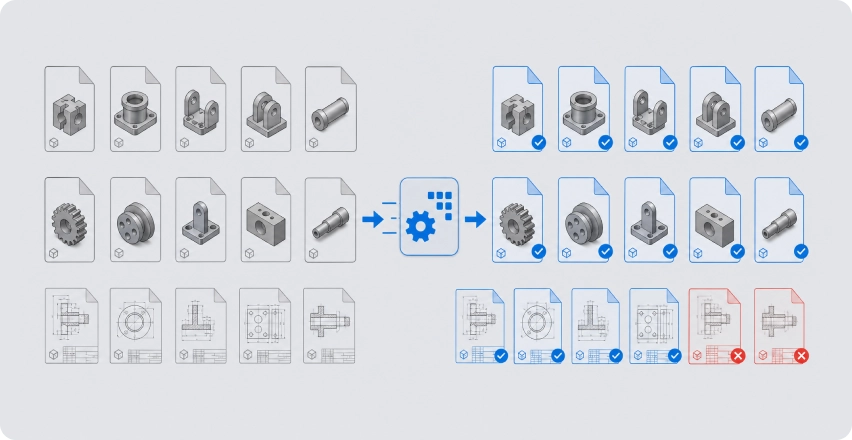
07 Batch Manager
A unified batch processing module for engineering files. Supports batch renaming, format conversion, property editing, title block replacement, part number parsing, and drawing merging.
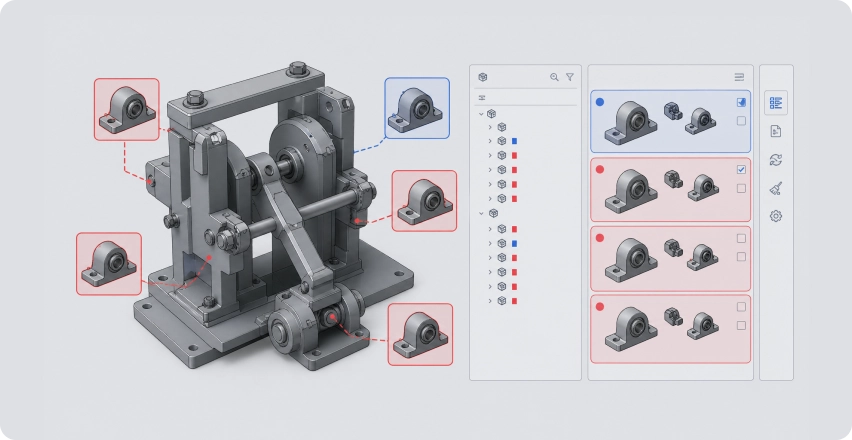
08 Duplicate Finder
Scan assemblies for duplicate geometry. Identifies parts with identical models but different filenames, and supports batch replacement and assembly cleanup.
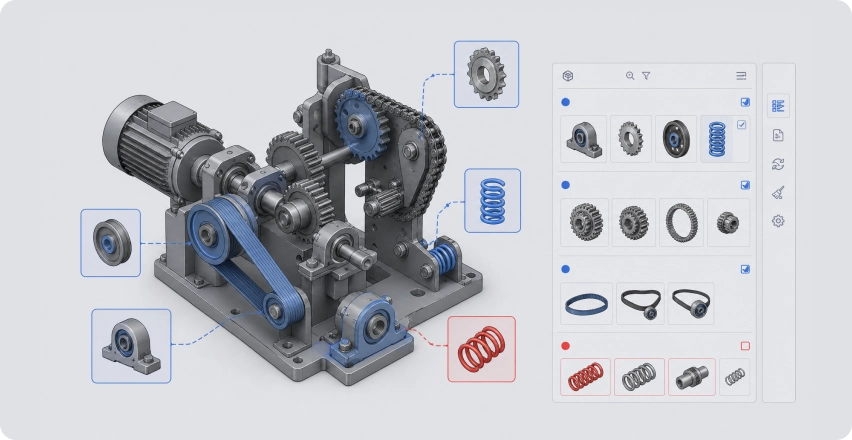
09 Smart Design Library
Access standard parts, gears, sprockets, belts, springs, and reusable engineering assets directly inside SOLIDWORKS.
Explore More Tools by Category
The 9 featured tools above are part of a JLCCAN toolkit. Browse all 95+ tools organized into 6 categories to find exactly what fits your task.
Design & Modeling Tools
- Flat Punch Hole
- Auto Mark Holes Sketch
- Quick Chamfer
- Convert Multibody to Assembly
Assembly & Validation Tools
- Auto Assemble Screws
- Round Hole Coloring
- Replace Part
- Interference Report
Drawing Tools
- Auto Drawing
- Auto Linear Dimensions
- Auto Dimension Chain
- Rotate View
BOM & Data Tools
- Property Manager
- Part Number Parsing
- Delete Properties
- Advanced BOM
Batch Processing Tools
- Convert to Multiple Formats
- Open Path
- Batch Manager
- Rename with Drawing
Library Tools
- Random Recolor
- Toolbox to Regular Parts
- Design Library
- Feature De-parameterization
From Design to Manufacturing, JLCCAN Makes Every Step Faster
JLCCAN helps you streamline the complete SOLIDWORKS workflow by reducing repetitive tasks from initial design to production preparation.
Model
Create mechanical models faster with automated features, holes, sketches, and reusable design tools.
Assemble
Build assemblies efficiently with automated fasteners, mates, and component management.
Validate
Identify design issues earlier with automated checking and comparison tools.
Document
Generate manufacturing documentation with automated drawings, dimensions, and BOMs.
Manufacture
Prepare engineering files and production data with batch automation tools.